
Multi-step lead capture
Prospects answer one question at a time. A funding amount, then time in business, then revenue, instead of one crowded form.
Lead capture and qualification
MCP LeadFlow is a sales funnel builder for the stretch between a click and a sales conversation. Visitors answer a short sequence of questions, branches sort who fits, and you get a prospect with the basics already collected. Payments, checkout, and the CRM pipeline stay in other tools.
14-day free trial · Card required · Then $49.99/mo · Cancel anytime
Highlighted stages are the funnel you build here. Traffic and the sales conversation sit outside MCP LeadFlow. The product page for forms and embeds is the funnel builder.
Walk through a business financing qualification. “Less than 6 months” opens one extra question. Every other tenure skips it. Answers stay in the browser for this visit and are never submitted.
Demonstration · business financing · nothing is saved
Question 1
A sales funnel is the path from a stranger to a customer. Most of that path is not software. A roofing company still has to buy the click, call the homeowner, price the job, and get paid. The useful software step is knowing which job showed up before that call.
Someone clicks an ad, a search result, or a partner link. MCP LeadFlow does not buy the traffic or host the campaign.
Outside the productThe click lands on your site, or on the hosted funnel link, and the first question appears instead of a long form.
Where the funnel startsA roofer might ask whether the job is a leak, a replacement, or an inspection. That answer is the start of the lead record.
Built in MCP LeadFlowLater questions depend on the job. An active leak can ask if water is coming in now. A replacement can skip that and ask about the property.
Built in MCP LeadFlowA person calls, texts, or works the lead in a CRM. You can send the submission out with a webhook or API. The pipeline itself is not inside MCP LeadFlow.
Your team or another systemThe quote, the contract, and the payment happen after the funnel. MCP LeadFlow does not check out a card or run an upsell.
Outside the productQualification questions earn their place when they change the next action: who gets a call, which offer they hear, or who is turned away. They do not, by themselves, raise a close rate. The educational walkthrough is how to build a sales funnel.
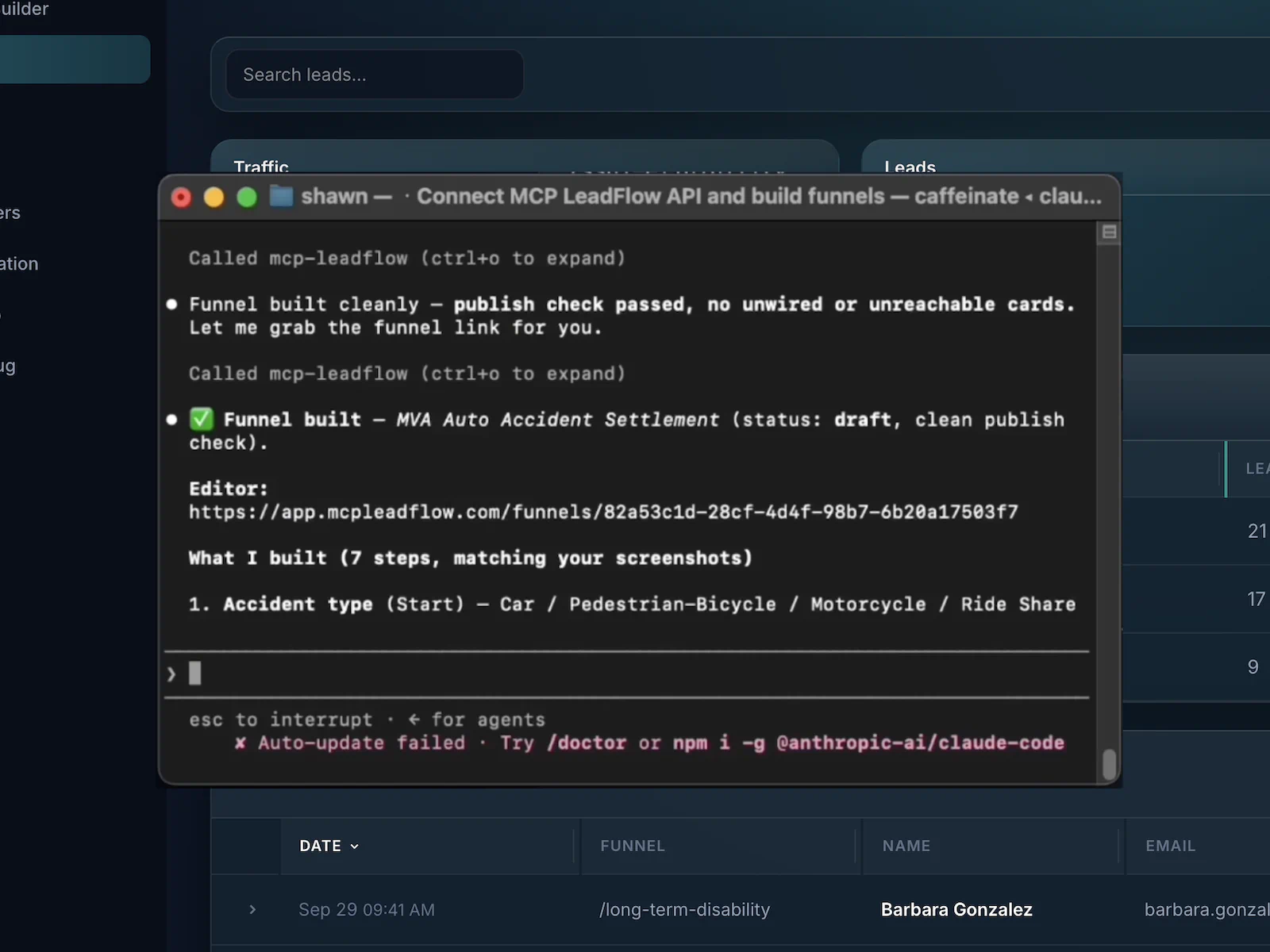
You connect an MCP client, describe the qualification, and review the draft. The mechanics of that connection are covered on the AI funnel builder page. Here is the same workflow aimed at a roofing sale.
Example instruction
Create a sales qualification funnel for a roofing company. Ask about the property type, roofing issue, urgency, ZIP code, and contact information. Add conditional questions based on the answers.
Structure that instruction maps to
You type the instruction in your AI client. This card does not call a model.
Tell a connected client who the prospect is and which facts the salesperson needs before a conversation. The agent is Claude, Cursor, or another MCP client you connect. It is not a chat box on this page.
It creates the steps in your MCP LeadFlow workspace: prompts, answer options, and which answer opens, skips, or ends a path.
Read the draft in the visual builder or send a follow-up, such as “Only ask about active leaks when they choose a repair.” You can also reorder steps or move contact details to the end.
Publish when you ask to. Embed the funnel or share the hosted link. Submissions stay in the workspace and can be posted to a webhook. Drop-off and conversions tell you what to edit next. Nothing republishes itself.
These are the parts of a sales process the product actually covers. Checkout, email sequences, memberships, and A/B tests are not among them.
Prospects answer one question at a time. A funding amount, then time in business, then revenue, instead of one crowded form.
The next question can depend on the last answer, including a disqualified ending when the prospect is outside the offer.
A connected agent drafts that sequence from a brief. You still connect Claude, Cursor, or another MCP client first.
Edit wording and options in the visual builder, or tell the agent what to add, remove, or move.
The finished qualification sits on your page, or on a hosted link, without rebuilding the rest of the website.
See where people leave and which runs become leads. Use that to decide the next edit. The product does not tune the funnel for you.
Submissions are stored in the workspace. A webhook or API can pass the lead to a CRM or a buyer. The CRM pipeline is separate.
When a filter changes, update the question or the branch and publish again. Duplicate a funnel when the next offer is a variation.
Four acquisition paths. Each one stops at a qualified contact. None of them is a published template you can open.
The questions find out what kind of coverage, who needs it, and where they live before anyone requests a quote. Medicare can open one more question. Other coverage types skip it. The call with an agent is the step after the lead is submitted.
A roofing click becomes a job type, a property, and whether water is coming in now. Dispatch learns the work before the phone rings. Emergency and scheduled jobs do not have to share the same questions.
Amount, revenue, and time in business are the facts a reviewer needs before an application. A business under six months old can see one extra question. Try that path in the sample above.
Buying and selling are different conversations. The funnel asks which one, then budget or property details, area, and timing, so the appointment is not a cold “how can I help?”
There is no public template library on this site, and no /templates page to open. The structures below are briefs you can give a connected agent. Inside the product you can duplicate a funnel or save a workspace template for the next offer.
Structure. Coverage type → household → ZIP → contact
Questions. Coverage, who is covered, location. Add a Medicare branch only on that answer.
Use. Quote requests that reach an agent with the basics already answered.
Structure. Service → property → urgency → ZIP → contact
Questions. Job type, property, and whether the problem is active.
Use. A dispatcher who needs the job shape before calling back.
Structure. Amount → time in business → revenue → contact
Questions. Funding amount, months in business, monthly revenue. Extra step for very new businesses.
Use. A reviewer who can see fit before opening a full application.
Structure. Intent → details → area → timeline → contact
Questions. Buying or selling, then the details that match that intent.
Use. An agent who can tell a buyer lead from a seller lead.
An agent can draft and revise the qualification so you are not clicking through every field. That only works after you connect an AI client. More of that workflow is on the AI funnel builder page.
| Work | Configuring each step yourself | MCP LeadFlow with a connected agent |
|---|---|---|
| Starting a funnel | Open a blank form and decide every screen yourself. | Describe the qualification. A connected agent creates the draft in your workspace. |
| Creating questions | Type each label and answer option. | The agent drafts them from the brief. You review the wording. |
| Organizing steps | Drag steps into order one at a time. | Say the order you want, including “ask for contact details last.” |
| Conditional paths | Attach each rule in the settings for that field. | Say which answer should open, skip, or disqualify. The agent wires it. You can still edit the wire by hand. |
| Editing later | Find the step and change it again. | Send a follow-up instruction, or change it in the builder. |
| Reusing a structure | Rebuild a similar form for the next offer. | Duplicate the funnel, or save a workspace template, and change the brief. There is no public template gallery on this site. |
| Setup | No AI client required. | Natural-language building needs an MCP client you already pay for, connected after signup. The visual builder is still there. |
This is a difference in the work, not a promise that every funnel is faster or that other sales funnel products have no AI of their own.
Launch the funnel, read where people leave, change the question that is in the way, and read it again. MCP LeadFlow records drop-off, lead submissions, and conversions. It does not raise those numbers by itself.
Illustrative drop-off · not live data
Invented counts for a five-step financing funnel, so you can see the shape of a leak. These numbers are not from a customer account.
What you might change
People are leaving on monthly revenue. Ask for a range instead of a typed number, and move ZIP after contact details.
You decide that from the analytics in the product, then you or your agent edit the funnel. Asking an agent to “raise the conversion rate” is not an automatic optimizer.
The fit is a team that needs a prospect to answer a few questions before the next sales step. Plans start at $49.99 a month after the trial. See pricing.
Turn a buyer’s filter list into questions, then post accepted leads through a webhook. People outside the filter can end on a disqualified step.
When an offer’s rules change, change the question or the disqualify path instead of rebuilding the page the traffic hits.
Take a client’s sales script and make it the questionnaire on their site. Hand them the embed. You are not also their checkout and email platform.
Ask coverage, household, and location before an agent spends a call on someone who needed a different product.
Separate a leaking roof from a planned replacement so the person who calls back already knows the job.
Collect amount, revenue, and time in business before a reviewer opens an application.
Split buyers and sellers, then ask for timeline and area, so the appointment matches the intent.
Including what this sales funnel builder does not do.
It is software for building the path a prospect takes before a sales conversation. In MCP LeadFlow that path is a sequence of questions, answer options, and branches that ends in contact details. It is not a checkout, a website builder, or a CRM.
Decide which facts a salesperson needs before a call, then create those questions in order. With MCP LeadFlow you can describe that sequence to a connected AI client such as Claude or Cursor, review it in the visual builder, and publish an embed or a hosted link.
People usually mean traffic, first engagement, lead capture, qualification, sales follow-up, and the eventual customer. MCP LeadFlow builds the capture and qualification steps. Getting the traffic, making the sales call, and taking payment happen outside the product.
A connected agent can draft the questions, options, and branches from a plain-language brief, then change them when you ask. You still connect that client yourself. This website does not include a chatbot that builds the funnel for anonymous visitors.
The words overlap. A lead generation funnel collects prospects. A sales funnel is the wider path toward a customer, including the conversation and the close. MCP LeadFlow builds the qualification portion that sits between the click and that conversation.
Yes. Describe the questions or edit them in the visual builder, then publish. You do not write the branching as code.
Yes. An answer can open another question, skip ahead, or send someone who is not a fit to a disqualified ending. The sample on this page adds a revenue question only when the business is under six months old.
Yes. After you publish, place the embed on WordPress, Webflow, Squarespace, Wix, Shopify, Framer, or any page that accepts HTML. A hosted link works if you would rather not embed.
The product tracks drop-off, lead submissions, and conversions. You use those results to decide what to edit. It does not rewrite the funnel on its own, and not every AI connection can query the numbers directly.
Yes. Connect MCP LeadFlow in Claude and describe the qualification flow. Claude is not built into this website. You use your own Claude account. Cursor and other MCP-compatible clients work the same way.
No. There is no checkout, card processing, order bump, or one-click upsell. If you need to charge someone, that happens in a separate system after the lead is qualified. A webhook or API can send the lead there.
ClickFunnels is known for page funnels, templates, and checkout with upsells. MCP LeadFlow is a qualification funnel you can draft with a connected AI agent and embed on a site you already have. It does not replace a checkout platform. Other products may have their own AI features. This answer is about scope, not a claim that another product has no AI.
Teams that need a prospect to answer a few qualifying questions before a call or a handoff: insurance, home services, business financing, real estate, agencies, and lead sellers. It is a weak fit if the whole job is a store checkout or an email course.
Create the questions, conditional paths, and lead capture step your team needs before a conversation. Checkout and payment stay in whatever system you already use.
14-day free trial · Card required · Then $49.99/mo · Cancel anytime