
Multi-step questions
Each screen asks one thing. Coverage type, then a follow-up, then a priority, instead of a form that shows every field at once.
Lead generation quizzes
Create interactive quizzes that capture leads and qualify prospects. Build multi-step questions, personalize the path with conditional logic, and use a connected AI client to create or change the quiz. MCP LeadFlow does not score answers or invent a result page.
14-day free trial · Card required · Then $49.99/mo · Cancel anytime
Interactive demonstration · not a quote · nothing is saved
Find the Right Type of Health Coverage
Question 1
Find the Right Type of Health Coverage. Answer a few questions to see how an interactive qualification quiz works. Pick a coverage type and the next question changes. Nothing you click is saved, and nothing here is an eligibility decision.
Interactive demonstration · not a quote · nothing is saved
Find the Right Type of Health Coverage
Question 1
A quiz funnel is a short sequence of questions that collects information, qualifies a visitor, or points them to a next step. It is a marketing quiz, not a classroom test. A static lead form usually puts the same fields on one screen. A quiz shows a small step, waits for an answer, and can change what comes next.
MCP LeadFlow covers the questions, the branches, the lead step, and the handoff you configure: a thank-you screen, a redirect, or a webhook. It does not buy the visit, and it does not run the phone call or the email sequence after the lead arrives. The broader product page is the funnel builder. When the quiz is one stage of a longer sale, that path is described on the sales funnel builder page.
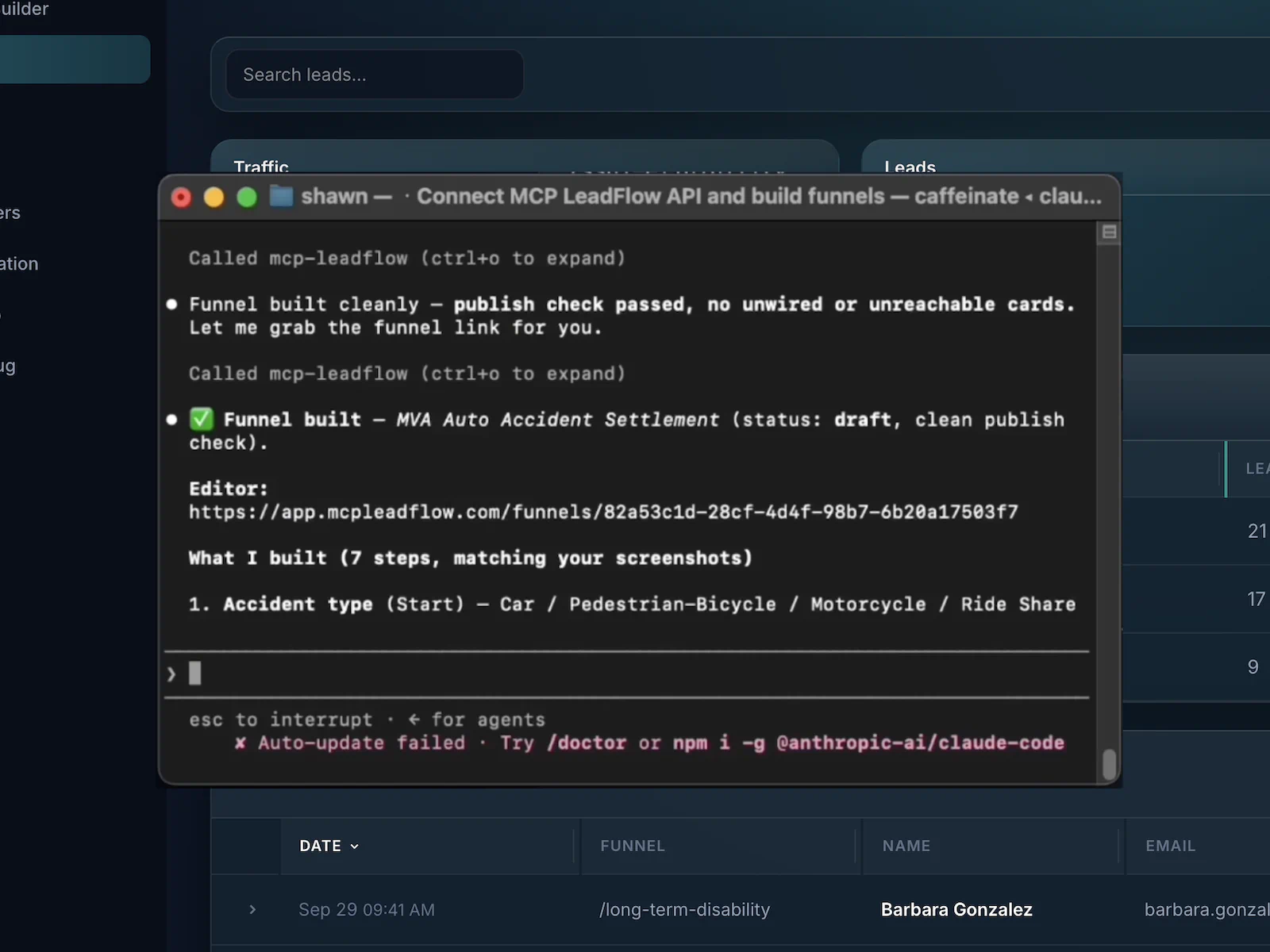
You connect your own MCP client, then describe the quiz. Claude and Cursor are the clients this product is set up for. ChatGPT works only when that app can connect to MCP. There is no chatbot on this website. The connection steps live on the AI funnel builder page.
1 · Natural-language instruction
Create a health insurance lead generation quiz. Start by asking who needs coverage, then ask about coverage preferences, household details, and ZIP code. Use conditional logic so follow-up questions change based on the selected coverage type.
2 · Question structure
3 · A second instruction
Add a question about current coverage, but only show it to visitors selecting individual coverage.
That adds one question under the individual branch. Family and Medicare paths do not show it. You review the draft in the builder before anyone publishes it.
4 · What the second instruction changes
This diagram is a labeled illustration of that edit. It is not a screenshot of a generated funnel, and this page did not ask a model to build it.
Pick a coverage answer. The follow-up on the right is the only next question for that path. Branching is useful when a later question would be irrelevant, when you need one more fact, or when you want the lead organized before anyone calls. It is not an eligibility engine.
Next question
When would you like coverage to begin?
The other three follow-ups stay off this path. Nobody is scored, and nobody is told which plan to buy.
These are the pieces the product includes. It does not score personality quizzes, recommend products, send email sequences, run a CRM, take payments, or A/B test pages.
Each screen asks one thing. Coverage type, then a follow-up, then a priority, instead of a form that shows every field at once.
An answer can open a follow-up, skip ahead, or end the path. The sample on this page swaps the third question when the coverage type changes.
A connected client such as Claude or Cursor can draft the questions, options, and branches from a description. This website does not include that chat.
After the draft exists, you can tell the same client what to add, hide, or move. You can also edit the wording in the visual builder.
The last steps can collect contact details. Submissions stay in your workspace and can be posted to a webhook or API. The demo on this page stores nothing.
Publish an embed for the site you already have, or share a hosted link. WordPress, Webflow, and other pages that accept HTML can hold the quiz.
The published quiz is a page that reflows on a phone. Answer buttons stay tappable. You do not build a separate mobile quiz.
See where people leave a step, how many leads are submitted, and which runs convert. That is how you judge whether visitors finish. The product does not rewrite the quiz for you.
Change the wording, the options, and the order. Colors, type, and the progress bar are part of the funnel design. There is no theme marketplace.
Five ways a question path can qualify a lead. These are illustrations, not templates you can open, and there is no public template library on this site. Finance and insurance examples organize an inquiry. They do not decide eligibility.
Audience. An agency collecting a coverage inquiry
Questions. Who needs coverage, which type, then a detail that matches that type.
Branch. Individual asks for a start date. Family asks how many people. Medicare-related asks whether they are comparing options or reading general information.
Outcome. A contact record the agency can call. Not a plan recommendation.
Audience. A team that books buyer and seller appointments
Questions. Buying or selling, then property type, then budget or timeline.
Branch. Buying continues into budget and area. Selling continues into property type and how soon they want to list.
Outcome. An appointment request that already says which conversation it is.
Audience. A repair company sorting the job before a callback
Questions. Which appliance, what is wrong, and how soon they need someone.
Branch. “What appliance needs repair?” opens a follow-up for a fridge, a washer, or an oven. A different appliance does not reuse the fridge questions.
Outcome. A lead with the job shape, so the callback is not a cold “what’s broken?”
Audience. A marketer organizing a funding inquiry
Questions. Amount, time in business, and revenue.
Branch. A business under six months old can see one extra question. Longer-running businesses skip it.
Outcome. A lead organized for review. Not a loan approval.
Audience. A loan officer separating purchase and refinance inquiries
Questions. Purchase or refinance, an approximate budget, and a timeline.
Branch. Purchase asks about the price range. Refinance asks what they want to change about the current loan.
Outcome. A conversation that starts with intent. Not a rate quote or an approval.
Both can produce a lead. A form is enough when every visitor should answer the same short list. A quiz helps when the next question depends on the previous one, or when a long form would ask people to finish in one sitting. Neither format wins by default.
Several fields on one screen.
The same facts, one step at a time.
Who needs coverage?
Household size appears later, and only if the path needs it.
| Traditional lead form | Quiz funnel | |
|---|---|---|
| Visitor experience | A page of fields. The visitor decides which ones matter. | One question, an answer, then the next question. |
| Question progression | Everything is visible, so the order is whatever the eye hits first. | You choose the order. Contact details can wait until the end. |
| Conditional questions | Usually the same fields for every visitor. | A coverage type, a buy-or-sell choice, or an appliance can open a different follow-up. |
| Contextual qualification | You read the whole submission and sort it afterward. | Some sorting happens in the path. People who are not a fit can exit early. |
| Progress indicators | Rarely. The form is one screen. | A progress bar shows how far the visitor has gone. |
| Design flexibility | Labels and fields on a single layout. | Question text, options, colors, type, and the progress bar. |
| Implementation | Fast when the ask is short: name, email, and one detail. | More setup, because each step and branch has to be reviewed. An agent can draft it. You still check it. |
| When it fits | A simple request where every visitor answers the same few things. | A longer qualification where the next question depends on the last answer. |
Five decisions before the quiz is live. The building can happen in the visual editor, or from a connected AI client that writes the steps for you.
Name the lead you want: an insurance inquiry, a home-services callback, or a financing conversation. The quiz exists to collect that, not to entertain.
Ask only what the next person needs. Who is covered, which service, or purchase versus refinance. Leave trivia and “just curious” questions out.
Decide which answer opens a follow-up and which answer skips ahead. In the sample, coverage type chooses the third question. Later answers do not change that rule.
Walk the paths in the builder, including the ones most people will not see. Publish when you are ready. Embed the quiz or use the hosted link.
Look at the step where people leave and at how many leads arrive. Shorten that step or move contact details. Publish again. Nothing republishes itself.
A quiz that looks clear in a preview can still lose people on the third question. Drop-off by step, lead submissions, and conversions show where that happens. You use those numbers to shorten a question or move the contact step. MCP LeadFlow does not optimize the quiz on its own, and the connected agent is not a live analytics query.
Illustrative drop-off · not live data
Invented counts for the health-coverage sample, so the shape of a leak is visible. These numbers are not from a customer account.
What you might change
People leave on the follow-up. Ask household size as buttons instead of a typed number, and move ZIP after the contact step.
You make that edit in the builder, or you tell your connected client what to change, then you publish again.
A quiz funnel fits when the lead is more useful with a few answers attached. Plans start at $49.99 a month after the trial. See pricing.
Hand a client a question path for one offer, then duplicate it when the next client asks for the same shape with different wording.
Ask the questions a buyer expects before the lead is posted. A webhook can send the submission onward. The offer page after that is yours.
Send paid traffic to the embed or the hosted link. Add the pixels you already use in the funnel’s site scripts. MCP LeadFlow does not buy the ads.
Collect who needs coverage and which type before an agent calls. The quiz does not tell the visitor which plan to buy.
Separate a purchase from a refinance, then ask for a budget or a timeline. The quiz does not quote a rate.
Split buyers and sellers so the appointment request already names the conversation.
Ask which appliance or repair, then only the follow-ups for that job, before anyone is dispatched.
Match the first question to the ad. Someone who clicked “family coverage” should not land on a generic contact form that asks them to start over.
Including scoring and personalized results, which this product does not do.
Software for an interactive questionnaire that moves a visitor toward a lead or a next step. In MCP LeadFlow that means one question at a time, answer buttons, branches, and a contact step. It is not a trivia app or an exam tool.
A visitor answers a short question, sees the next one, and sometimes sees a different next question because of the previous answer. At the end they can leave contact details. Your team, or a webhook, takes it from there.
Decide what you need to know before a conversation, write those questions in an order that can branch, preview the path, and publish an embed or a hosted link. A connected AI client can draft that structure from a description.
Yes. You describe the questions or edit them in the visual builder. Publishing is an embed snippet or a hosted link.
A connected MCP client such as Claude or Cursor can draft the questions, options, and branches. This website does not include a chatbot that builds the quiz for you. You connect the client after you create an account.
Yes. An answer can open a follow-up, skip ahead, or end the path for someone who is not a fit. The sample on this page changes the third question based on coverage type.
Yes. After you publish, place the embed on WordPress, Webflow, Squarespace, Wix, Shopify, Framer, or any page that accepts HTML. A hosted link works if you would rather not embed.
Yes. Send the ad to a page where the quiz is embedded, or to the hosted quiz link. MCP LeadFlow does not buy or manage the ads. You can add common tracking pixels in the funnel’s site scripts.
Yes. The last steps can ask for name, email, and phone. Submissions are stored in your workspace and can be sent to another system with a webhook or API. This marketing demo does not collect anything.
You can see where people leave the questions and how many leads are submitted. That is how you tell whether visitors finish. There is not a separate scored-results report.
A lead form usually puts many fields on one screen. A quiz funnel shows a small step, then the next, and can change that next step. Either can work. A quiz is useful when the questions depend on earlier answers. It is not automatically better.
You need your own account with the AI client you connect, such as Claude or Cursor. That bill is separate. Natural-language creation waits until that MCP connection exists. You can still edit a quiz in the visual builder.
Yes. Connect MCP LeadFlow in Claude and describe the quiz. Claude is not embedded on this website.
No. There is no point scoring, personality type, or automatic “here is your result” page. The end of the quiz is the lead step and the next action you configure, such as a thank-you screen, a redirect, or a webhook. It does not recommend a product or decide insurance eligibility.
Create interactive questions, customize conditional paths, and turn a qualification into a quiz people can finish. You connect an AI client to draft it. You can also build the same quiz in the editor.
14-day free trial · Card required · Then $49.99/mo · Cancel anytime